


How to Get Faster WiFi at Home with Easy Fixes
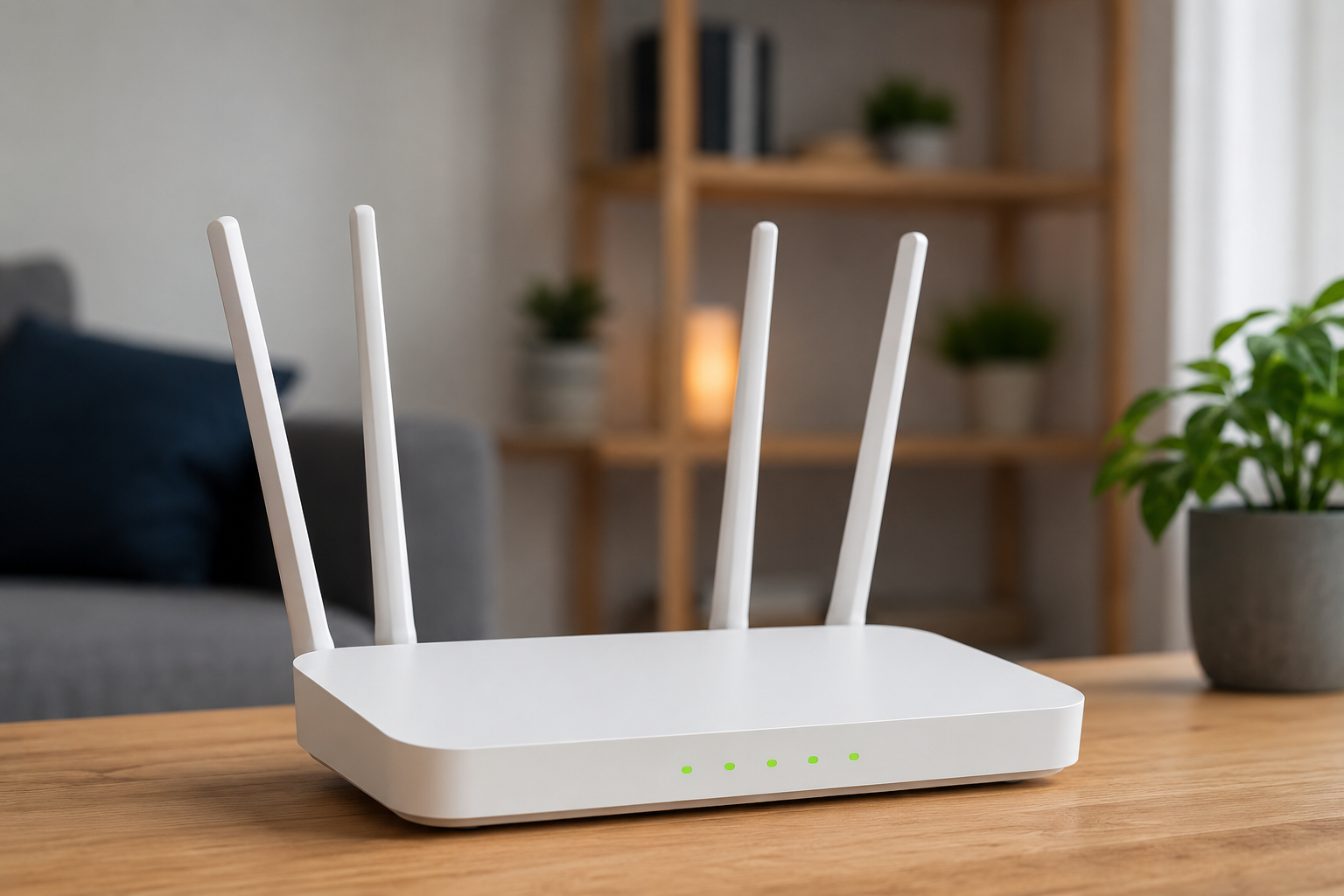
Faster WiFi does not always require technical expertise. Many effective changes involve moving equipment, reviewing connected devices, and selecting the right network option.
The key is to begin with easy fixes and test the results. Advanced settings and new equipment should come later if basic improvements are not enough.
Use this guide to strengthen everyday browsing, streaming, working, and gaming performance.
Start Close to the Router
Test speed beside the router with other activity paused. This shows the best wireless performance currently available.
Move to the problem room and test again. Compare the difference.
A dramatic decline indicates coverage trouble. Slow results in both locations suggest a wider issue.
Move the Router into the Open
Take the router out of cabinets and place it on a raised surface.
Move it away from thick walls, appliances, and metal furniture.
A clearer location allows signals to travel more effectively through the home.
Use the Faster Band Nearby
Connect nearby equipment to 5GHz. It generally provides higher speed.
Use 2.4GHz when distance is more important than maximum performance.
Testing both can help you get faster WiFi at home without changing any equipment.
Pause Heavy Background Tasks
Check for software downloads, game updates, cloud backups, and camera uploads.
Pause them before meetings or streaming. Schedule them for low-demand hours.
Background management makes existing bandwidth feel faster and more responsive.
Remove Unwanted Users
Review the router device list. Disconnect unknown equipment.
Change the password and use modern encryption. Create a guest network where possible.
Better access control protects both speed and privacy.
Update Everything
Update router firmware through the official interface.
Update device software and laptop wireless drivers.
Restart after updates and test again. Compatibility improvements can solve unexplained slowdowns.
Improve Weak Rooms
Place an extender before the dead zone, not inside it.
Use mesh WiFi when several rooms or floors have poor coverage.
Choose wired access points for the strongest connection when Ethernet is available.
Final Thoughts
Easy fixes can create faster WiFi when applied carefully. Start with testing, placement, band choice, background activity, security, and updates.
Only add equipment when testing confirms a coverage limitation. This approach avoids unnecessary cost and produces clearer results.
 Portuguese (Brazil)
 English
 Arabic
 French
 Spanish
 Portuguese
 Deutsch
 Turkish
 Dutch
Dutch
 Italiano
 Russian
 Romaian
 Greek
Greek