


What Causes Random Blue Screen Errors on Laptops?
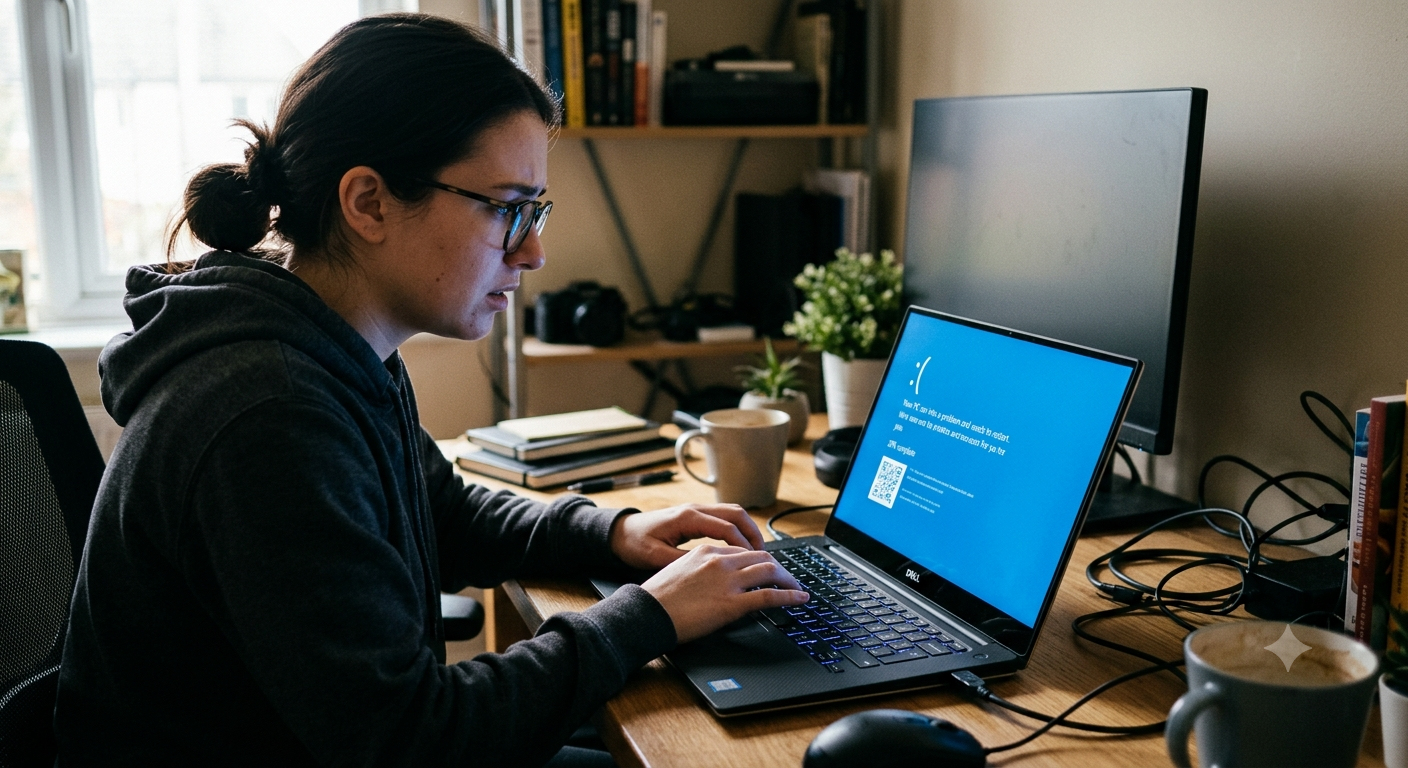
A sudden blue screen can be one of the most alarming experiences for a laptop user. One moment, everything appears to be working normally, and the next, the system displays an error message before restarting. While an occasional blue screen may result from a temporary software problem, repeated blue screen errors often indicate an underlying issue that should not be ignored. Hardware failures, faulty drivers, overheating, memory problems, storage errors, and corrupted system files can all contribute to system crashes.
Understanding what causes these errors can help users recognize problems early and take appropriate action. At iPC Repair Houston, technicians diagnose laptops experiencing repeated crashes and hardware instability to identify the underlying cause. Whether your device needs advanced diagnostics or laptop screen repair Houston after physical damage, professional inspection can help restore reliable performance and prevent recurring problems.
What Is a Blue Screen Error?
A blue screen error, commonly associated with Windows systems, occurs when the operating system encounters a serious problem that prevents it from continuing safely. The system may stop, display an error code, and automatically restart.
Blue screen errors can be triggered by:
- Hardware failures
- Driver conflicts
- Memory problems
- Storage issues
- Overheating
- Corrupted system files
- Incompatible software
The error message or stop code displayed on the screen can provide useful clues about the underlying problem.
Faulty or Failing RAM
Random-access memory (RAM) plays an important role in running applications and managing operating system processes. If a memory module becomes defective, the system may become unstable.
Common symptoms include:
- Random blue screens
- Application crashes
- Freezing
- Unexpected restarts
- Problems starting certain programs
Because memory errors can appear intermittently, professional hardware testing may be necessary to determine whether RAM is responsible.
Outdated or Corrupted Drivers
Drivers allow Windows to communicate with hardware components such as graphics processors, network adapters, storage devices, and other peripherals.
A corrupted or incompatible driver can cause system instability.
Problems may appear after:
- Installing a new driver
- Updating Windows
- Connecting new hardware
- Installing graphics software
Keeping drivers updated and compatible with the operating system can reduce the risk of driver-related crashes.
Overheating and Poor Cooling
Excessive heat can cause serious system instability. When a laptop becomes too hot, the operating system and hardware may struggle to function correctly.
Common causes include:
- Dust buildup
- Blocked air vents
- Failing cooling fans
- Aging thermal paste
- Poor airflow
Warning signs may include loud fan noise, hot surfaces, sudden shutdowns, and repeated blue screens. Professional internal cleaning and cooling-system inspections can help prevent heat-related failures.
Failing SSD or Storage Drive
A damaged or aging storage drive can cause Windows to encounter errors while reading essential system files.
Possible symptoms include:
- Blue screen errors
- Slow startup
- Missing files
- Application crashes
- File corruption
- Boot problems
If blue screens occur alongside unusually slow storage performance, the drive should be evaluated promptly. Backing up important information is especially important when storage failure is suspected.
Corrupted Windows System Files
Windows depends on thousands of system files to operate correctly. If these files become corrupted, the operating system may become unstable.
Corruption can result from:
- Improper shutdowns
- Malware
- Failed updates
- Storage problems
- Software conflicts
Repairing corrupted system files may resolve some blue screen errors, but recurring crashes should still be investigated to ensure there is not an underlying hardware problem.
Malware and Unwanted Software
Malware can interfere with normal operating system processes and consume significant system resources. In some cases, malicious software may contribute to system instability.
Users should watch for:
- Unexpected pop-ups
- Unusual background activity
- Sudden performance changes
- Browser redirects
- Frequent crashes
Using reputable security software and keeping the operating system updated can help reduce these risks.
Hardware Compatibility Problems
Installing new hardware or connecting external devices can sometimes introduce compatibility issues.
Examples include:
- Faulty USB devices
- Incompatible drivers
- Problematic memory
- External storage errors
- Graphics hardware conflicts
If blue screen errors begin shortly after adding new hardware, disconnecting the device and checking compatibility may help identify the cause.
Power and Battery Problems
Unstable power delivery can also contribute to system crashes. A failing battery, damaged charging port, faulty adapter, or motherboard power circuit may cause interruptions in normal operation.
Watch for symptoms such as:
- Unexpected shutdowns
- Charging interruptions
- Battery percentage changes
- Laptop restarting while plugged in
- Performance changes when switching power sources
These symptoms should be evaluated by a professional rather than repeatedly forcing the laptop to restart.
Display Problems Can Be Confused With System Crashes
Not every frozen or blue-looking screen is necessarily a Windows blue screen. Display problems can sometimes make a functioning laptop appear to have crashed.
Potential display symptoms include:
- Flickering
- Horizontal lines
- Distorted colors
- Black screen
- Intermittent image loss
If the display has physical damage, professional laptop screen repair Houston can restore proper image quality. During a complete diagnostic, technicians can also determine whether the issue originates from the display, graphics hardware, or operating system.
Why Repeated Blue Screens Should Not Be Ignored
One isolated blue screen may not indicate a serious problem, but repeated crashes are a different matter. Continuing to use a laptop with unresolved system instability can lead to lost work, corrupted files, and potentially more extensive hardware problems.
Professional diagnostics can identify whether the issue involves:
- RAM
- SSD
- Motherboard
- Cooling system
- Drivers
- Operating system
- Power delivery
Early diagnosis makes it easier to correct the underlying problem before it causes additional damage.
How Professional Diagnostics Can Help
Blue screen errors can have multiple causes, and guessing which component is responsible may lead to unnecessary replacements.
At iPC Repair Houston, technicians can perform comprehensive hardware and system diagnostics to evaluate memory, storage, cooling, power, and other critical components. If display damage is discovered during the inspection, screen repair Houston TX services can also address the physical screen problem while the underlying laptop hardware is evaluated.
A professional approach focuses on identifying the actual cause instead of simply treating the visible symptom.
Tips to Reduce Blue Screen Problems
Users can take several preventive steps to improve system stability:
- Keep Windows updated.
- Install compatible device drivers.
- Maintain adequate storage space.
- Keep cooling vents clear.
- Clean internal dust regularly.
- Back up important files.
- Avoid questionable software downloads.
- Address hardware warning signs promptly.
These practices help reduce unnecessary stress on your laptop and make serious problems easier to identify.
Conclusion
Random blue screen errors can result from many different issues, ranging from faulty RAM and failing storage drives to overheating, driver conflicts, corrupted system files, and power problems. Because the same error may have several possible causes, repeated crashes should not simply be dismissed as normal computer behavior. Identifying the underlying problem early can protect your data, reduce downtime, and prevent more expensive hardware failures.
Whether you need professional diagnostics, dependable laptop screen repair Houston, or expert screen repair Houston TX services, iPC Repair Houston can help identify and address laptop problems before they become more disruptive. With proper maintenance, timely repairs, and regular hardware inspections, you can keep your laptop stable, reliable, and ready for everyday use.

 English
 Arabic
 Spanish
 Portuguese
 Deutsch
 Turkish
 Dutch
Dutch
 Italiano
 Russian
 Romaian
 Portuguese (Brazil)
 Greek
Greek